★★★★½ 4.5 / 5  ·  1,400+ reviews

Advanced Excel Training

Excel is in every office. Advanced Excel sets you apart. Go beyond basic spreadsheets — master Pivot Tables, Power Query, dashboard design, and Macros that automate hours of manual work.

4 Weeks 🖥 Online & Offline 🎓 Certificate Included 💼 100% Placement Assistance
Get Details on WhatsApp

What you'll master

Advanced Formulas — XLOOKUP, INDEX-MATCH, IFS
Pivot Tables & Pivot Charts
Power Query — Data Transformation & Automation
Dynamic Dashboard Design
VBA Macros Basics
MIS Report Building
🕐
4 Weeks
Course Duration
👨‍💻
Online & Offline
Learning Mode
🏆
₹3 – 7 LPA
Avg Salary
🚀
New Batch Soon
Limited Seats
50+
Excel Functions
2
Dashboard Projects
6
Curriculum Modules
100%
Placement Assistance
Course Curriculum

What You'll Learn — Module by Module

A hands-on 10-day Advanced Excel program — from core data tools to formulas, charts, Pivot Tables, and Power Pivot, finishing with a live dashboard project. Click any module to expand.

01
Excel Foundations & Data Tools
Days 1–2
+

Master the Excel workspace and the everyday data-handling tools every analyst uses.

Components, Cells & Data Entry Range Selection & Formatting Go To Special (Blanks, Formulas) Paste Special Sort, Filter & Data Validation Remove Duplicates Text to Columns, Find & Replace
02
Data Management & What-If Analysis
Day 3
+

Organise, protect, and model data to answer "what if" business questions.

Subtotal, Group & Ungroup Data Protection (Cells / Sheet / Workbook) Conditional Formatting Goal Seek Data Tables Scenario Manager
03
Formulas & Functions
Days 4, 6, 8
+

From core functions to logical, text, date, mathematical, and database functions.

Sum, Count, Average, Left/Right/Mid, Len Evaluate Formula & Error Checking Trace Precedents / Dependents IF & Nested IF with AND/OR Logical & Text Functions Date & Time Functions Mathematical & Database Functions
04
Lookup, Reference & Charts
Days 5, 7
+

The lookup functions every analyst lives by, plus professional charting.

VLOOKUP & XLOOKUP MATCH & INDEX ADDRESS & INDIRECT Excel Charts Chart Modifications Advanced Chart Techniques
05
Pivot Tables
Day 9
+

Turn raw data into summarised insights in minutes.

Pivot Table Creation Pivot Charts Pivot Table Formatting Formulas in Pivot Tables Slicers
06
Power Pivot & Project
Day 10
+

Model larger datasets with Power Pivot and build a real dashboard project.

Enable & Navigate Power Pivot Manage Data Relationships Power Pivot Reports & Calculations Key Performance Indicators (KPIs) Dates & Time in Power Pivot Dashboard Project
Tools & Technologies

The Tools You'll Work With

Hands-on practice with tools that directly map to MIS and analyst job descriptions.

📗
Microsoft Excel
🔄
Power Query
Is This Course For You?

Who Should Enroll

Advanced Excel is the most in-demand office skill — here's who benefits most from this course.

📊
MIS Executives
Build dashboards that update automatically and impress management.
📋
HR & Finance Teams
Automate monthly reports that currently take hours with macros.
🎓
Fresh Graduates
Advanced Excel is the first skill recruiters look for in analyst roles.
🔄
Working Professionals
Upgrade your existing Excel knowledge to an analyst-level skill.
Career Outcomes

Roles Open to Advanced Excel Graduates

Advanced Excel unlocks MIS and analyst roles across banking, operations, and IT services.

📗 MIS Executive
₹3 – 6 LPA
ICICI Bank, HDFC Bank, Axis Bank, Max Life, Kotak
📋 Operations Analyst
₹3.5 – 7 LPA
Mahindra, Bajaj, DHL, Hitachi, Flipkart
📊 Data Analyst (Excel)
₹3.5 – 7 LPA
TCS, Wipro, HCL, Infosys, Genpact, Mphasis
📈 Reporting Analyst
₹3 – 6 LPA
Spectrum, Berina Cosmetics, Infopro, Zepto, Byju's
Our students placed at
Student Stories

Our Students, Placed & Thriving

From basic Excel users to MIS and analyst roles — real results from this exact course.

SM
Shrikant Maroj
MIS Executive · Hitachi
★★★★★

The Power Query module changed everything for me. I was spending 4 hours every Monday manually cleaning and compiling sales data from 8 different files. After this course, I click refresh and it's done in 2 minutes. Got my role at Hitachi directly because of this skill.

RF
Rebecca Fernandes
MIS Executive · Berina Cosmetics
★★★★★

I knew Excel but not at this level. XLOOKUP, INDEX-MATCH, dynamic named ranges — these were not things I'd used before. The faculty was patient and the dashboard design section was really practical. Placed within 6 weeks.

RT
Rameshwari Tailor
Operations Analyst · Spectrum
★★★★★

The VBA module was a bonus I didn't expect. Even basic macro recording eliminated hours of copy-paste work I used to do in my previous job. The instructor showed us real business use cases, not toy examples.

GS
Gaurav Singhal
Reporting Analyst · Zepto
★★★★★

The course filled the gap between basic Excel and what companies actually expect. I already knew VLOOKUP — but Pivot Charts with slicers, Power Query, and dashboard design — that's what got me the analyst role at Zepto.

Common Questions

Advanced Excel — FAQs

I already know basic Excel. Is this course still useful?
Yes. If you're comfortable with SUM, VLOOKUP, and basic formatting, you're right at the start level. This course covers everything that hiring managers mean when they write "Advanced Excel" in a job description.
Which Excel version do you teach?
We teach on Microsoft Excel 2019 and Excel 365. XLOOKUP and dynamic arrays are covered — if you're on an older version, we show compatibility alternatives.
Is VBA / Macros difficult to learn?
We cover VBA at a practical level — recording macros, editing them, and writing simple loops. You don't need programming experience. The goal is to automate repetitive tasks, not to become a developer.
Will Advanced Excel help me get a job?
Advanced Excel alone qualifies you for MIS Executive and junior analyst roles (₹3–5 LPA). Combine it with SQL and Power BI to significantly expand your options and salary band.
How long are the live sessions?
Sessions are 1.5–2 hours, typically 3 days per week. The 4-week course runs at a focused pace — expect 10–15 hours of live instruction plus assignments and project work.
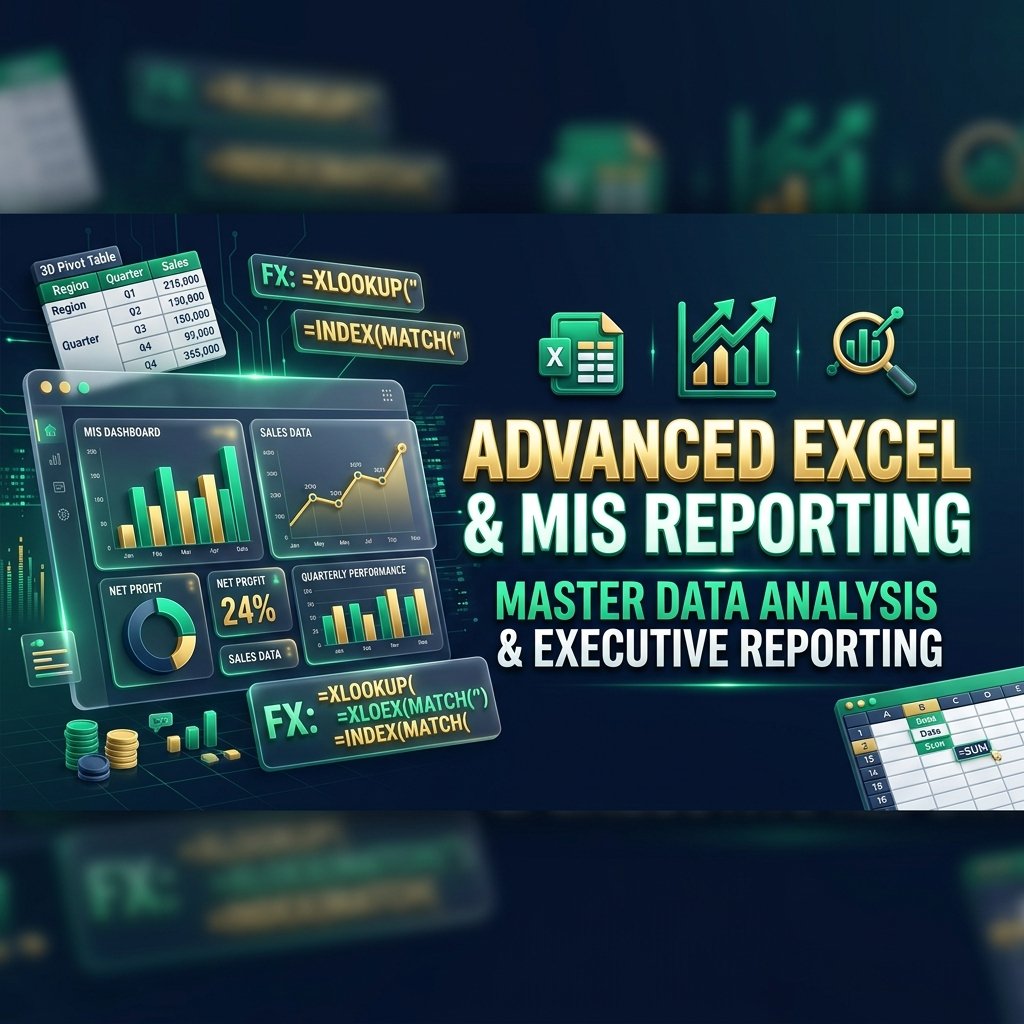
Master Advanced Excel in 4 Weeks

From formulas to MIS dashboards to Macros — build the Excel skills that every analyst job requires. Book your free demo.